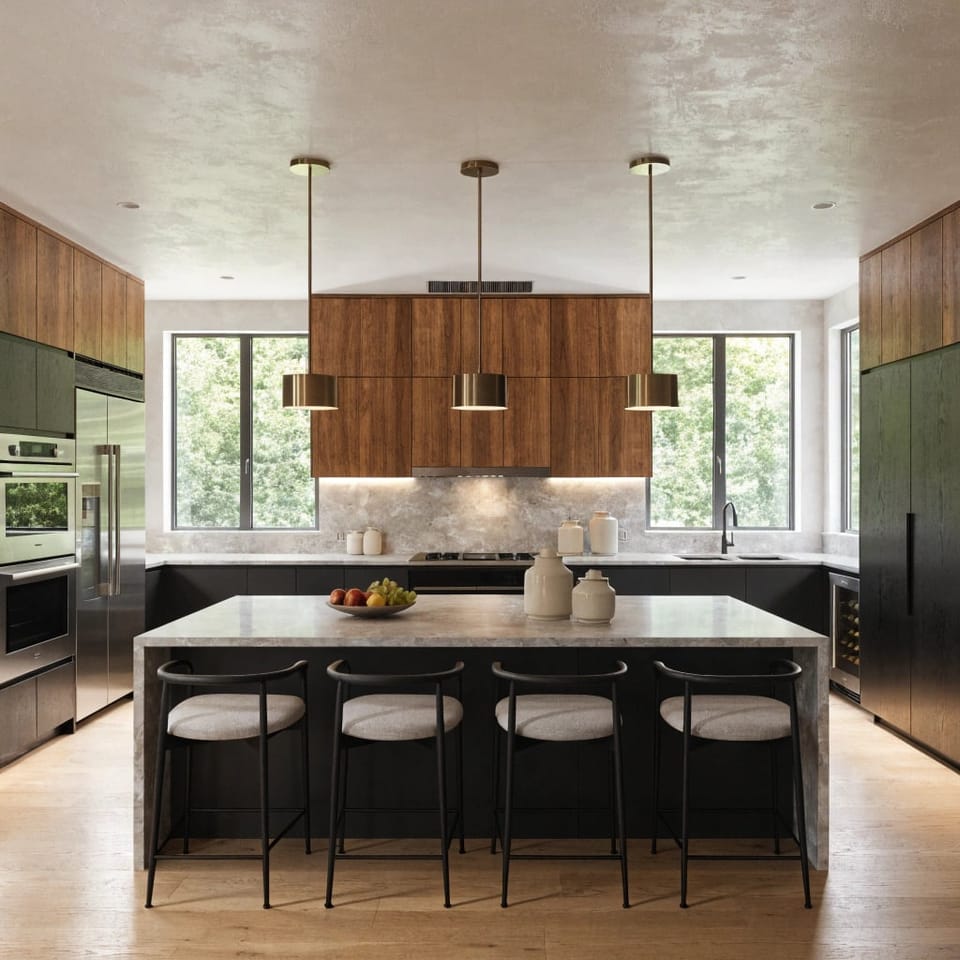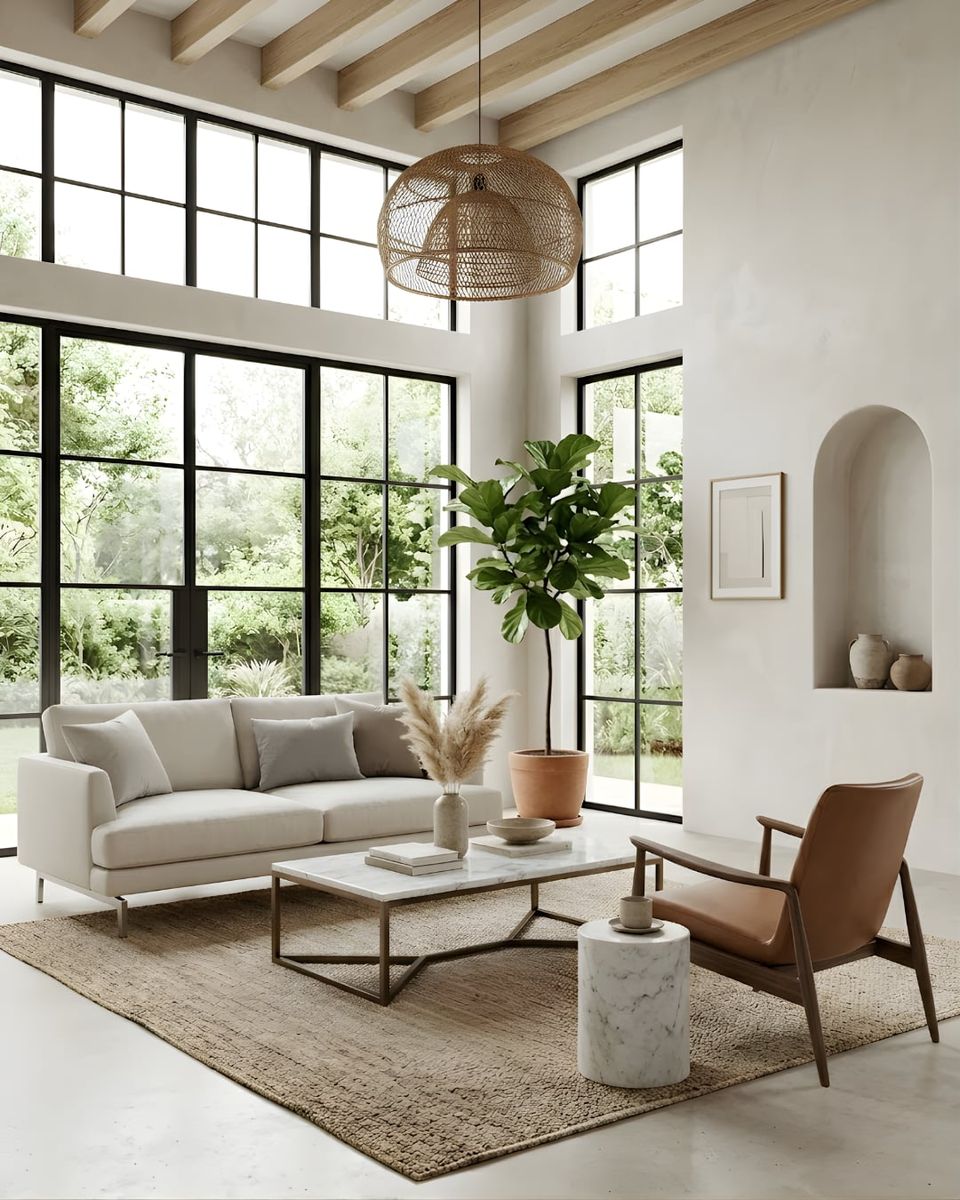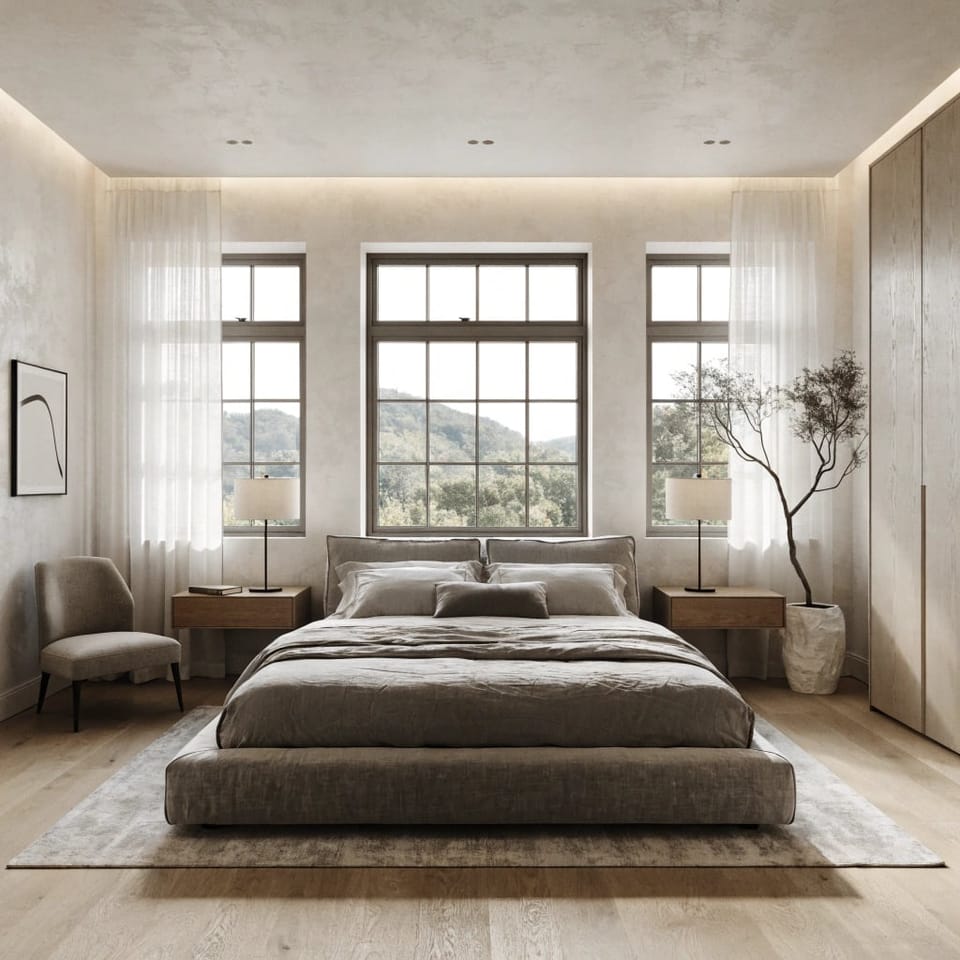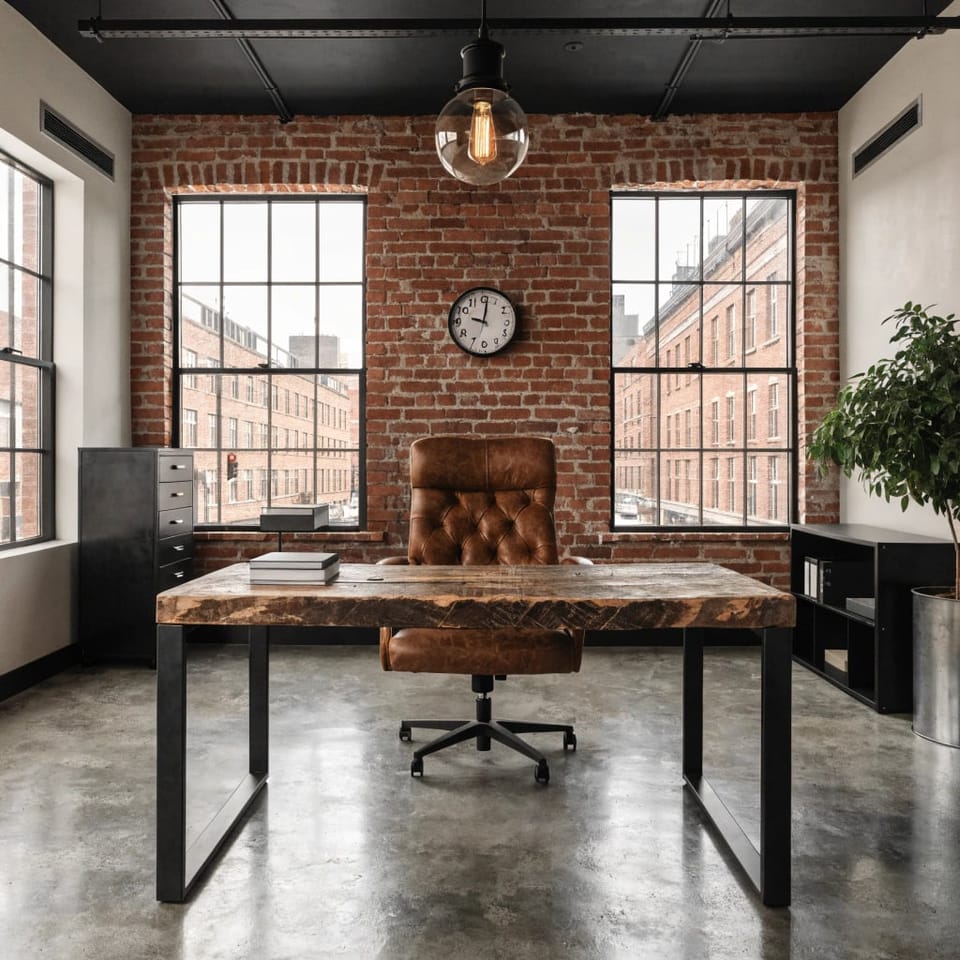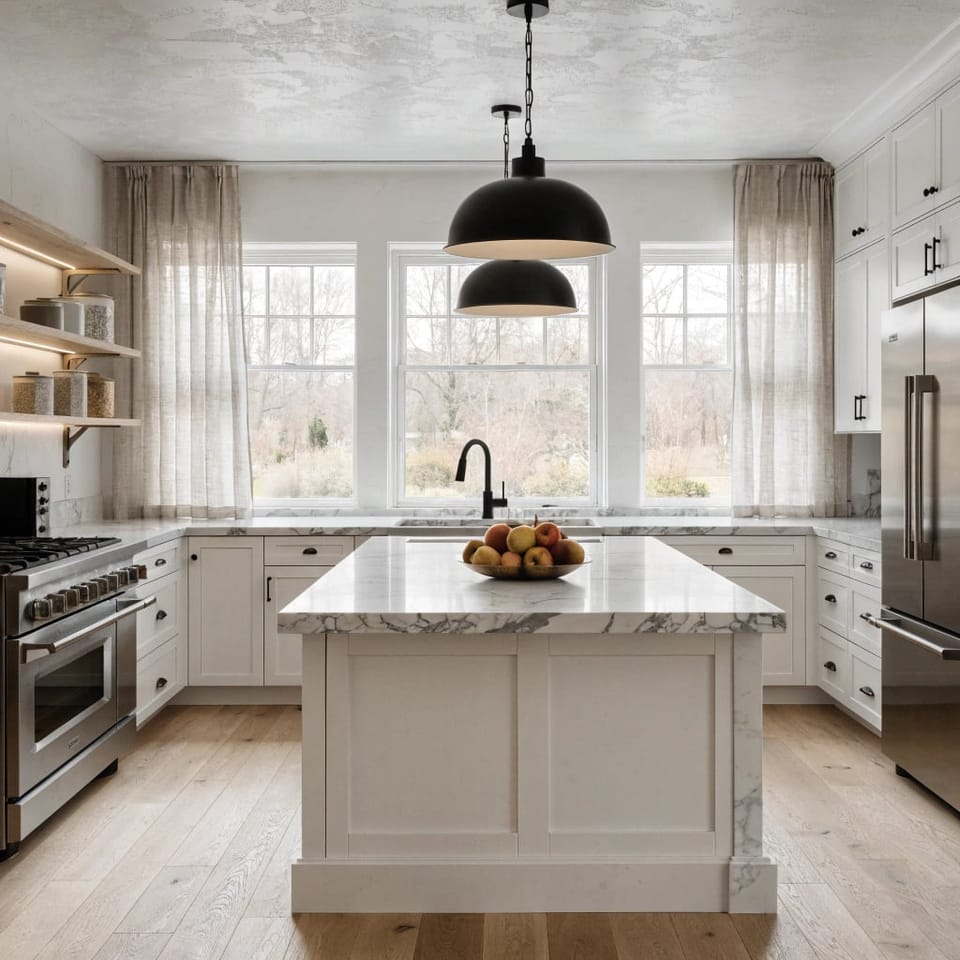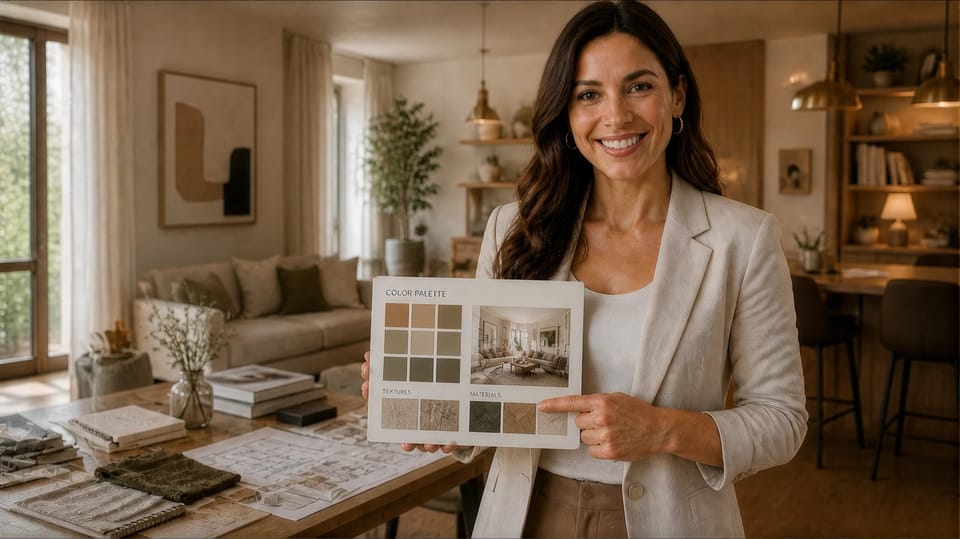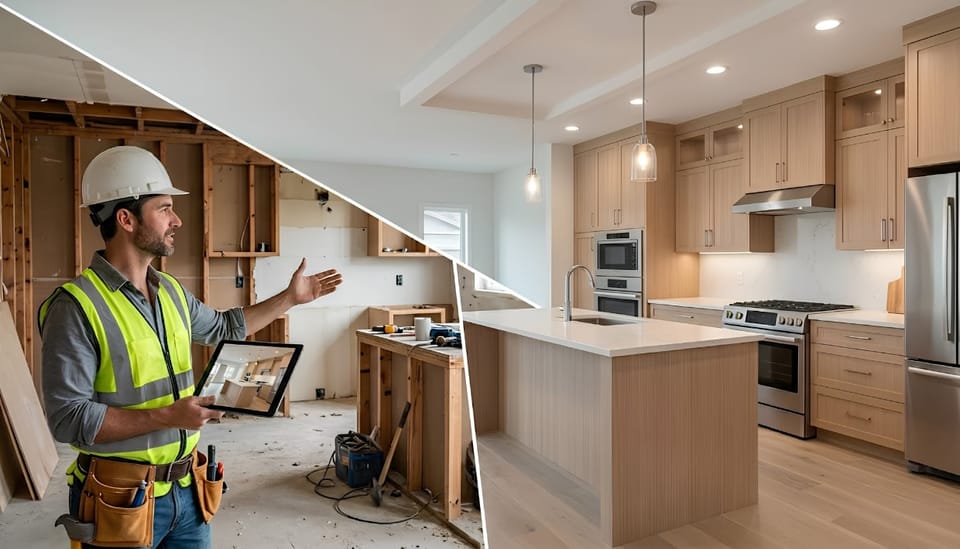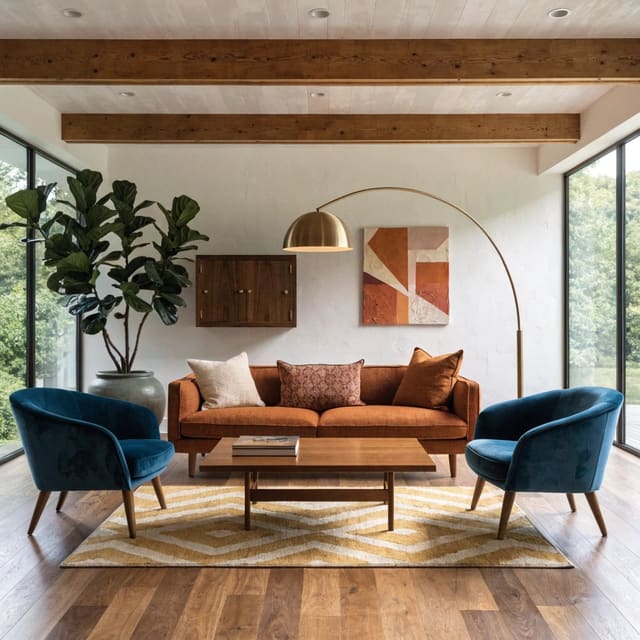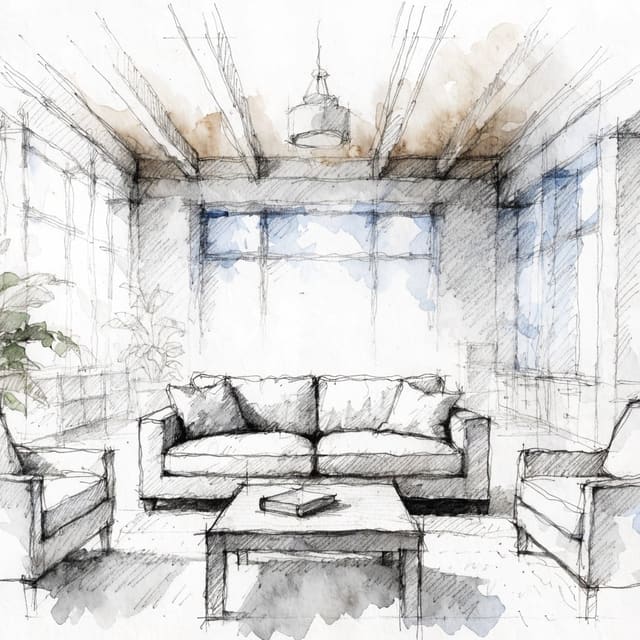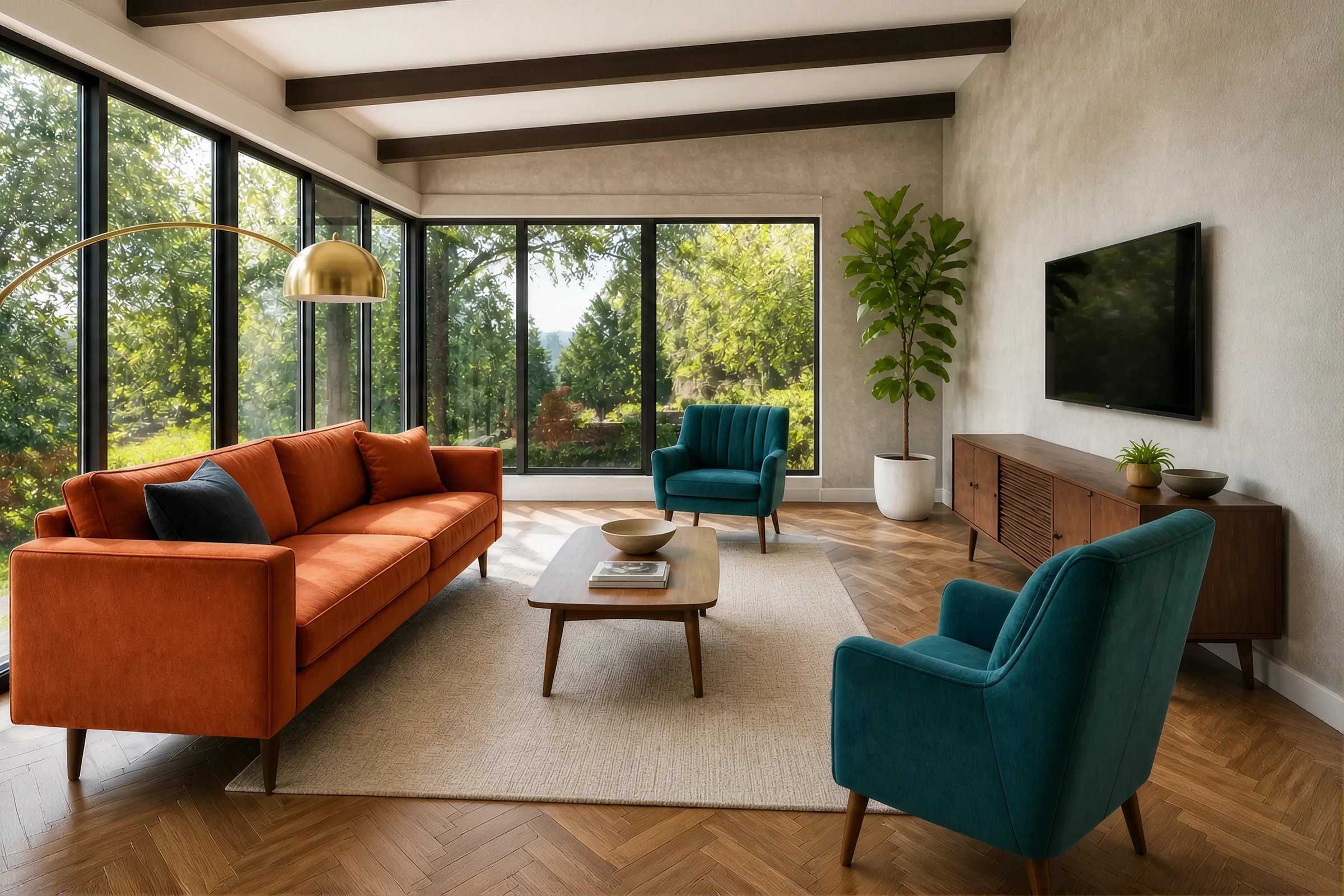
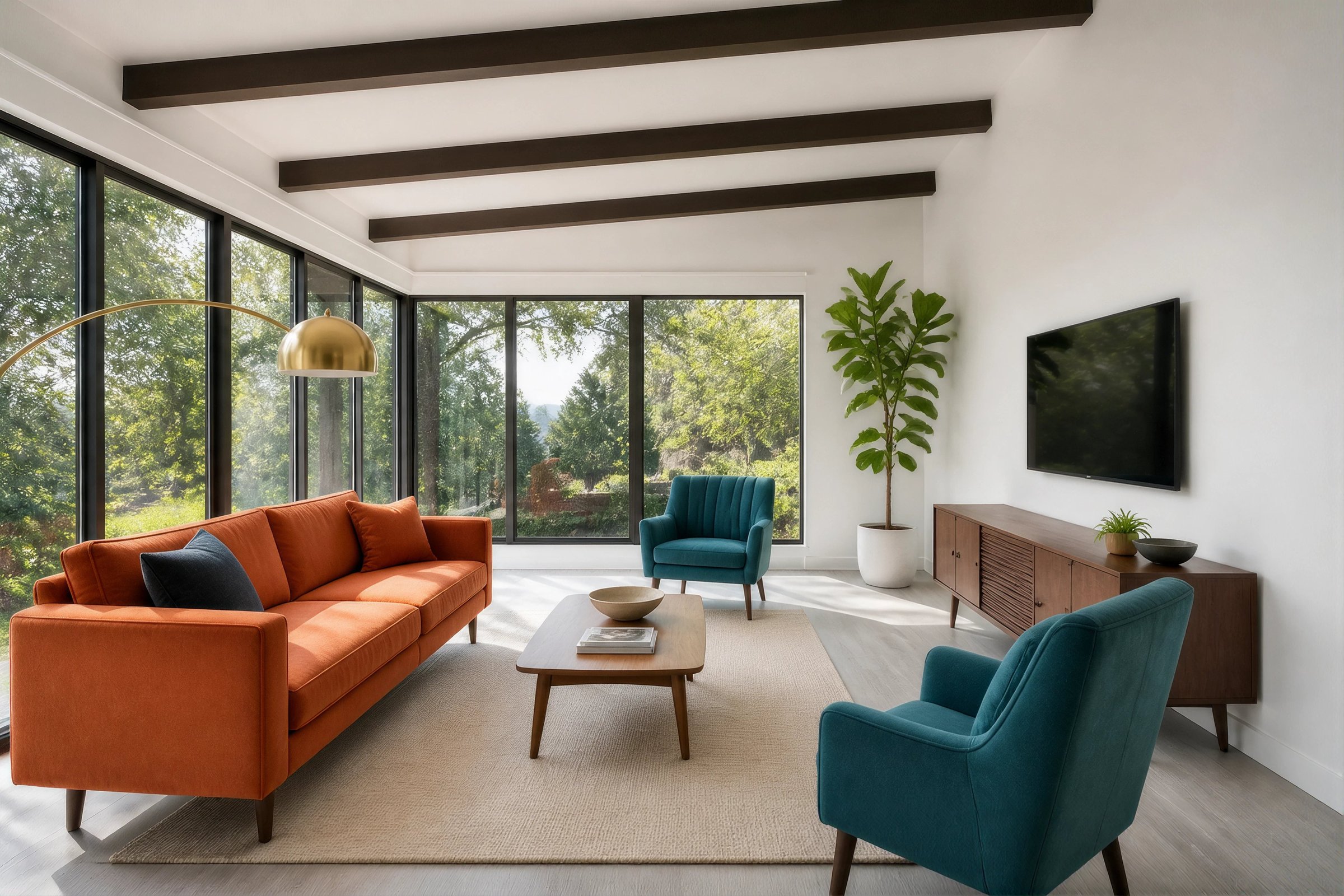
See Any Coating in Your Own Space Before Installation

Upload a photo of your room or facade together with a material swatch. Select the surface, coating type, and lighting environment, then generate a photorealistic preview that adapts the finish to the scale, perspective, and lighting of your actual space.

Visualize My Coating

Two images. One render. No masking or technical setup required.

See Material Swatches Become Full-Surface Visualizations

Compare the original space with a photorealistic coating preview while keeping the surrounding architecture, furniture, perspective, and lighting recognizable.

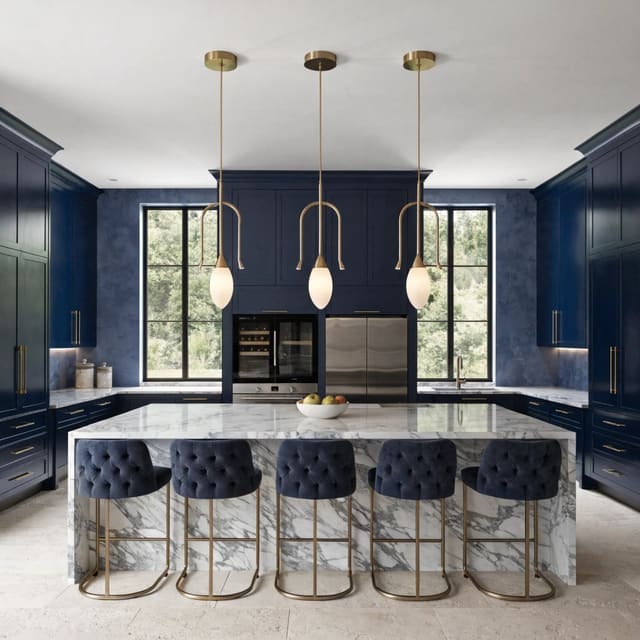
Microcement

From Small Sample to Seamless Statement

See how a subtle cement texture behaves across a full wall, including its mineral variation, soft imperfections, and response to natural light.

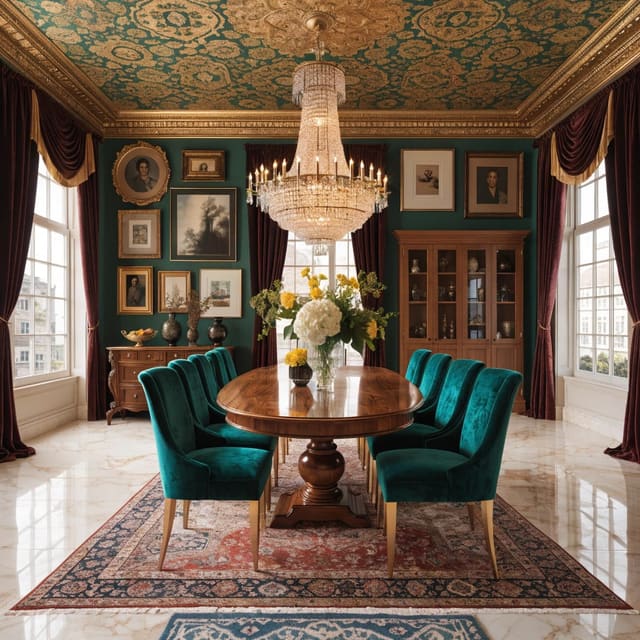
Venetian Plaster

From Flat Swatch to Layered Finish

Preview the depth, movement, and polished sheen of decorative plaster inside the room where it will be specified.

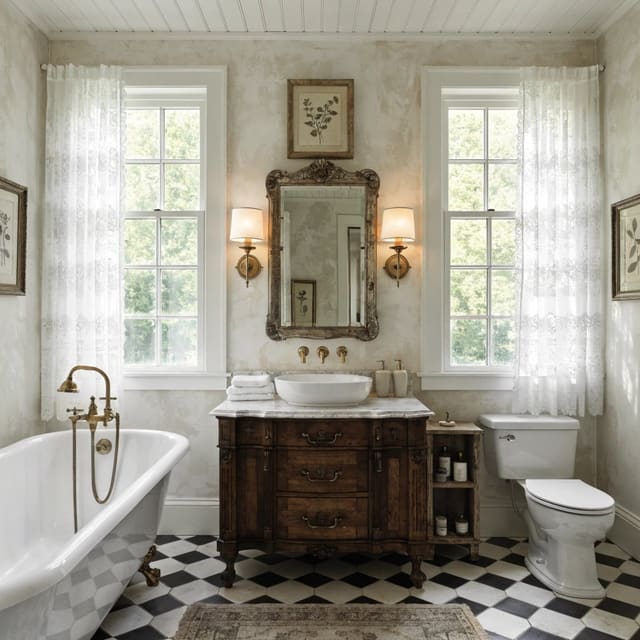
Resin or Epoxy Floor

From Material Patch to Finished Floor

Visualize how a seamless polymer-based surface interacts with reflections, furniture, windows, and the scale of the entire room.

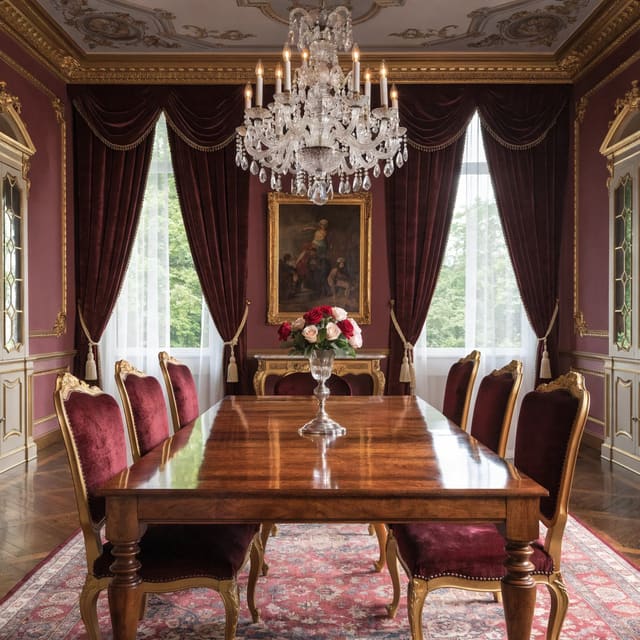
Exterior Facade

From Product Sample to Complete Exterior

See how the selected finish performs across the full architecture, surroundings, and environmental lighting.

Visualize a Coating in3 Simple Steps

01

Upload Your Space

Add one clear photo of the room, wall, floor, facade, or architectural surface you want to visualize.

02

Upload the Material Patch and Configure

Add a clear image of the coating sample or material swatch. The image should show its color, texture, grain, finish, and natural variation as clearly as possible. Select the target surface, coating type, lighting environment, and preferred rendering quality.

03

Generate and Compare

Generate one photorealistic result, review it with the before-and-after comparison slider, open it in full screen, and export it as a PNG.

Upload Your Photo

Turn Inspiration Into Reality

Select the plan that fits your needs best

Yearly -25%

Pro

Perfect for homeowners and DIY designers

$14.99/ month

Premium

For professionals, agencies and power users

Most Popular
$44.99/ month$30 cheaper
Most Popular
$44.99/ month$30 cheaper
SD RendersRapid concept explorationUnlimitedUnlimitedUnlimited
HD RendersVirtual staging, redesigns, mood boards1004004x more4004x more
4K RendersPrint-quality detail294x more94x more
Cinematic WalkthroughBefore/after transition1720p55
AI In-PaintingSwap furniture, fixtures & materials
32+ Design StylesModern, Boho, Industrial, Japandi & more
Virtual staging of 2D floor plans, sketchesSupports interior & exterior for residential or commercial plans
AI UpscaleClient & print ready render export up to 8K
Priority Render QueueSkip the line and render faster

Frequently Asked Questions

An AI coating visualizer lets you upload a photo of a room or façade together with a material swatch and generate a realistic preview of that coating on a selected surface. It helps you evaluate the material’s texture, scale, finish, and interaction with the space before installation.
The uploaded patch acts as the visual reference for the coating. DesignSense AI analyzes characteristics such as color, grain, texture, reflectivity, and natural variation, then adapts those qualities to the selected surface in the uploaded space.
Upload a clear, well-lit photo of the room, wall, floor, ceiling, façade, or other supported architectural surface. Images with visible surface boundaries and limited obstruction generally provide the clearest reference for the visualization.
Upload a clear photograph or digital image of the material sample. The patch should show the coating’s true texture, color, finish, and variation without heavy shadows, glare, filters, or unrelated objects.
The feature is designed for liquid coatings, textured paints, decorative plaster, cimento queimado, microcement, epoxy, resin, and other polymer-based or seamless surface finishes available in the coating selection menu.
No. Select the intended target surface from the configuration panel. The AI uses that selection and the generation instructions to identify where the coating should be applied, without requiring a manually drawn mask.
Yes. The Target Surface setting tells DesignSense AI which architectural surface should be changed. The generated result is intended to apply the material to that surface while preserving the rest of the space.
The visualizer creates a realistic preview using the uploaded swatch as a reference. Final color, reflectivity, texture, and application variation may differ because of photography, screen settings, substrate conditions, lighting, application technique, and the physical coating itself. The generated image should support visualization and approval discussions, but it should not replace an official manufacturer sample or technical specification.
No. The Coating mode focuses on replacing the appearance of the selected surface. It is not intended to change the furniture, room layout, architecture, or unrelated materials.
No. Architects, interior designers, contractors, manufacturers, and developers can use it for professional specification workflows, while homeowners can use it to compare finishes before approving a renovation or installation.
Yes. After generation, you can review the result through the comparison slider, open the visualization in full-screen mode, and export it as a PNG. Free exports include a watermark.
Touch Up Studio is designed for general image changes such as removing objects, adding furniture, changing colors, or adjusting backgrounds. Coating uses a dedicated two-image workflow so that the uploaded material patch can guide how a specific finish is applied across an architectural surface.
A standard paint visualizer mainly changes surface color. DesignSense AI Material Staging is designed to represent more complex coating characteristics, including texture, reflectivity, material scale, and natural application variation.

Elevate Interior Design with AI

Harness the power of artificial intelligence to Redefine
Interior Aesthetics and Functionality

Midcentury modern
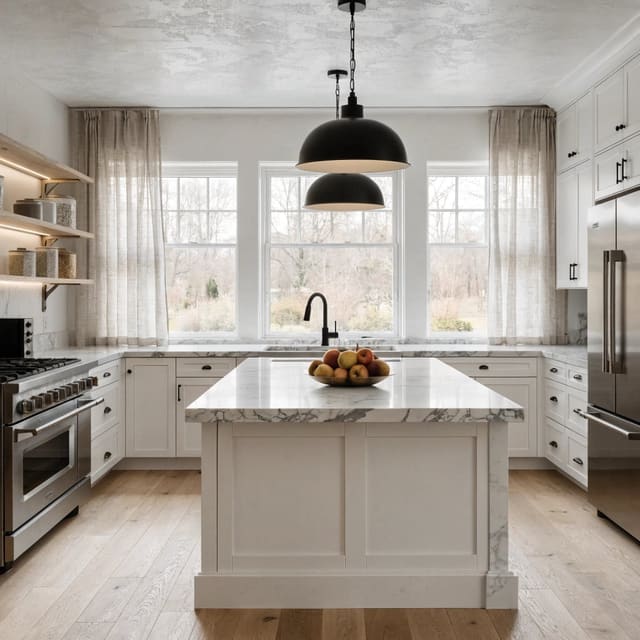
Modern
Tropical
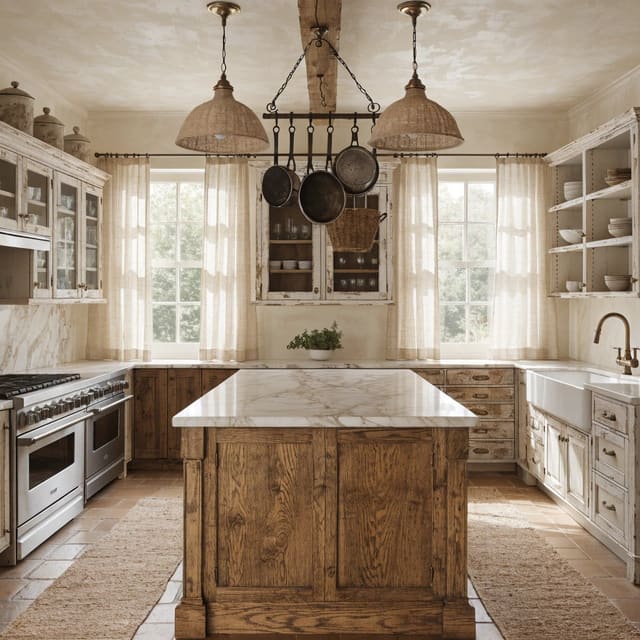
Rustic
Tribal
Cyberpunk
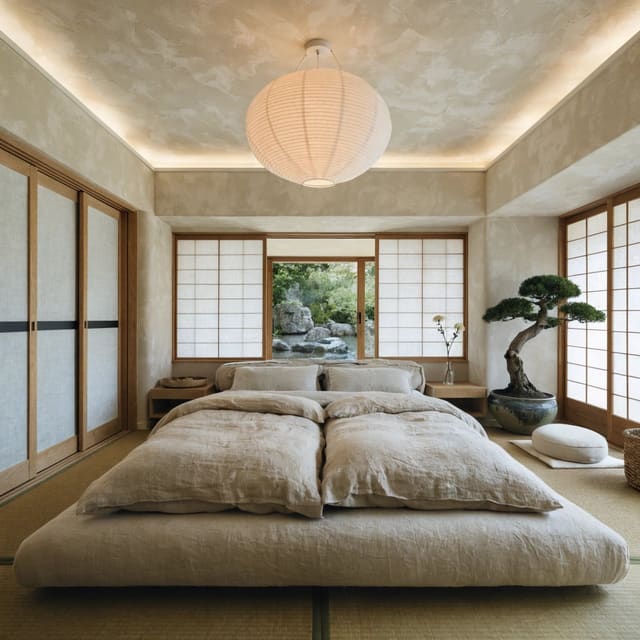
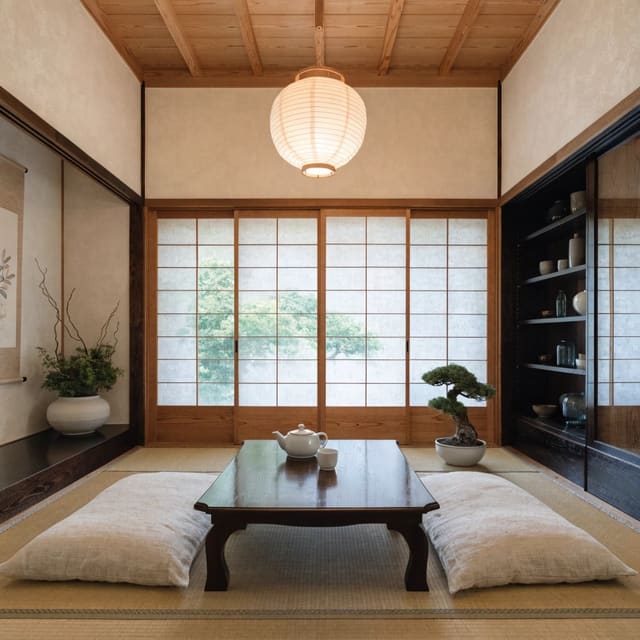
Japanese Design
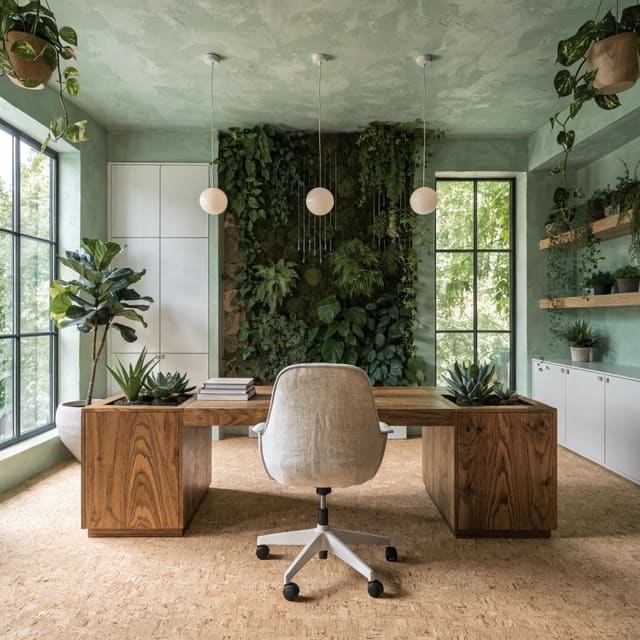
Biophilic
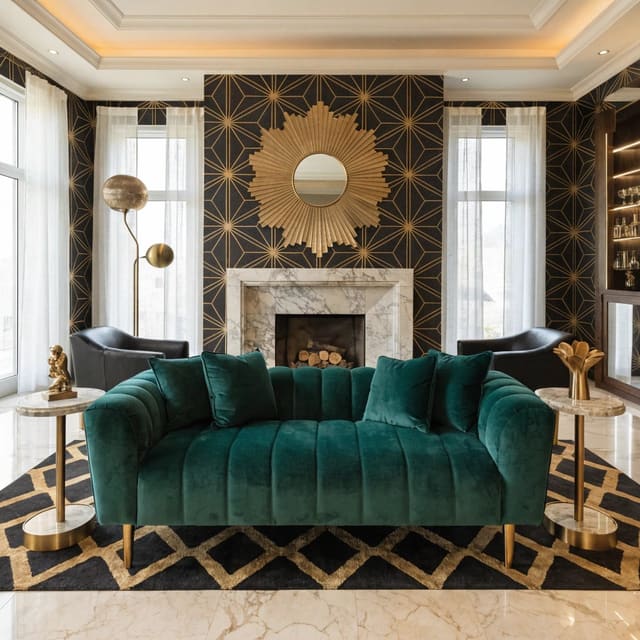
Art deco
Coastal
Bohemian
Scandinavian
Industrial
Vintage
Baroque
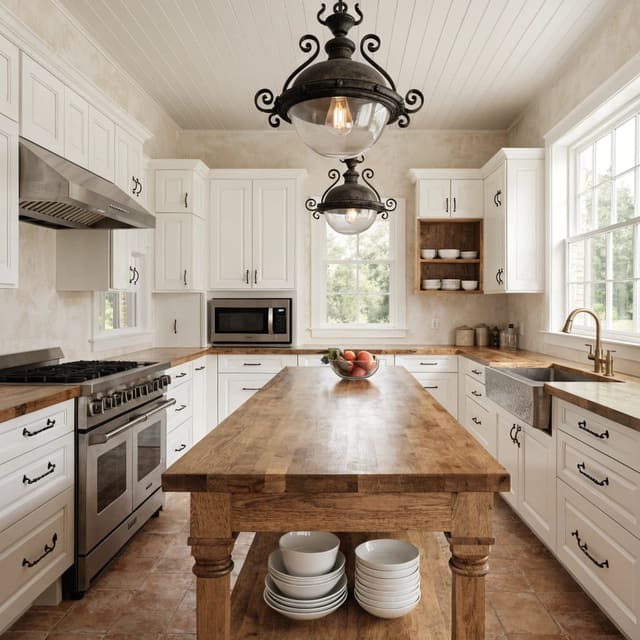
Farmhouse
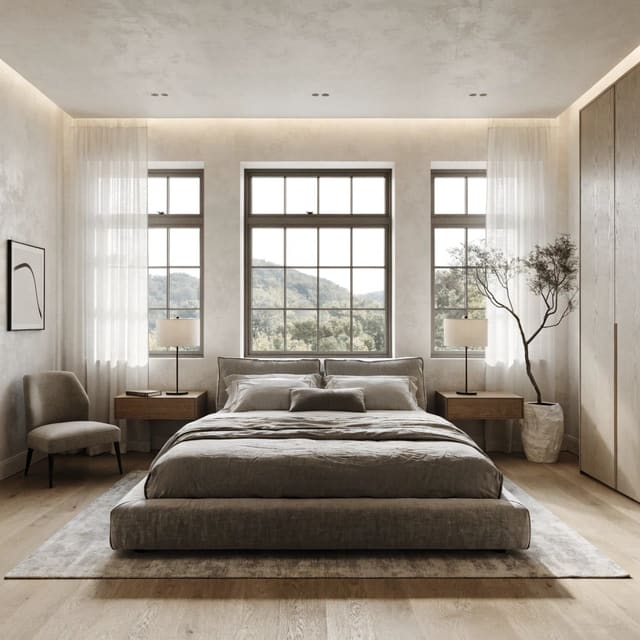
Minimalist
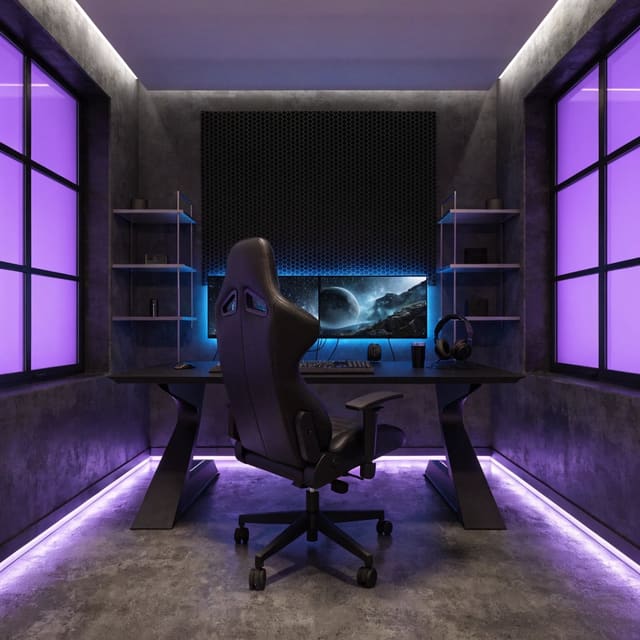
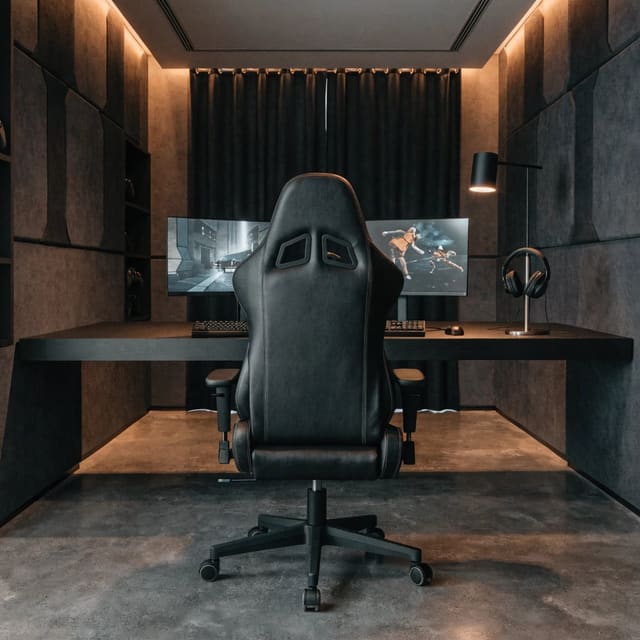
Gaming Room
Art deco
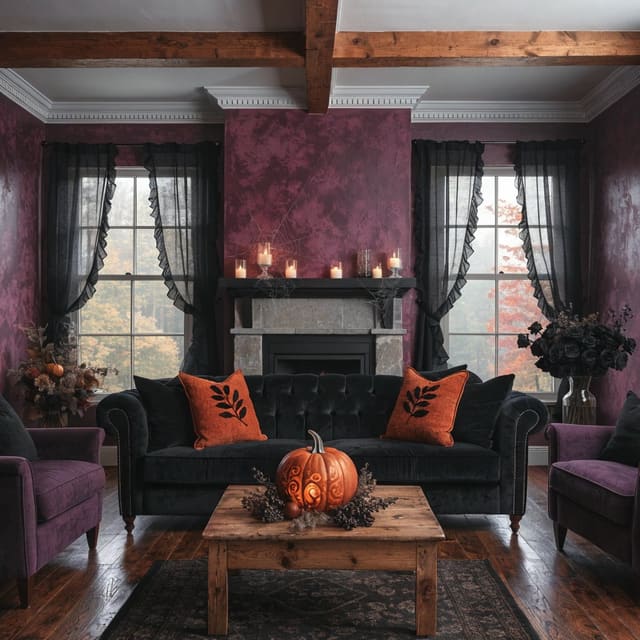
Halloween
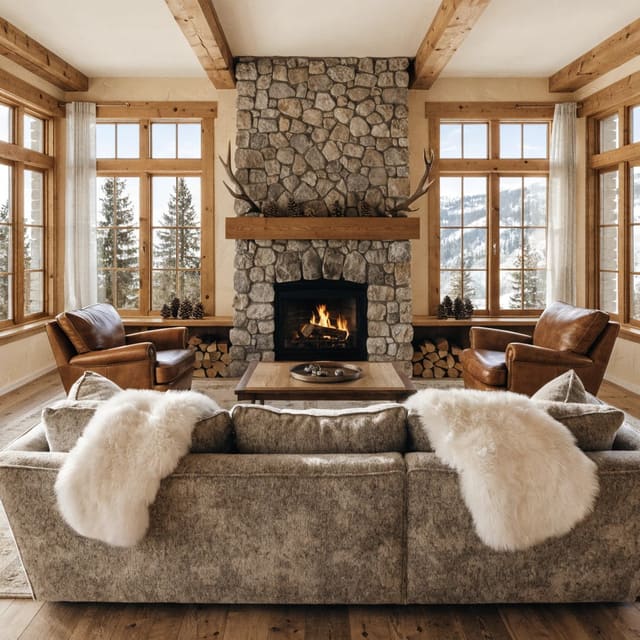
Ski Chalet
Sketch
Scandinavian
Modern
Minimalist